
The bigger a team grows, the more this question comes up: who’s allowed to do what? Until now, Stylabus offered three simple roles. Great to get started, but sometimes too rigid for larger, more structured teams.
That’s fixed.
What’s changing
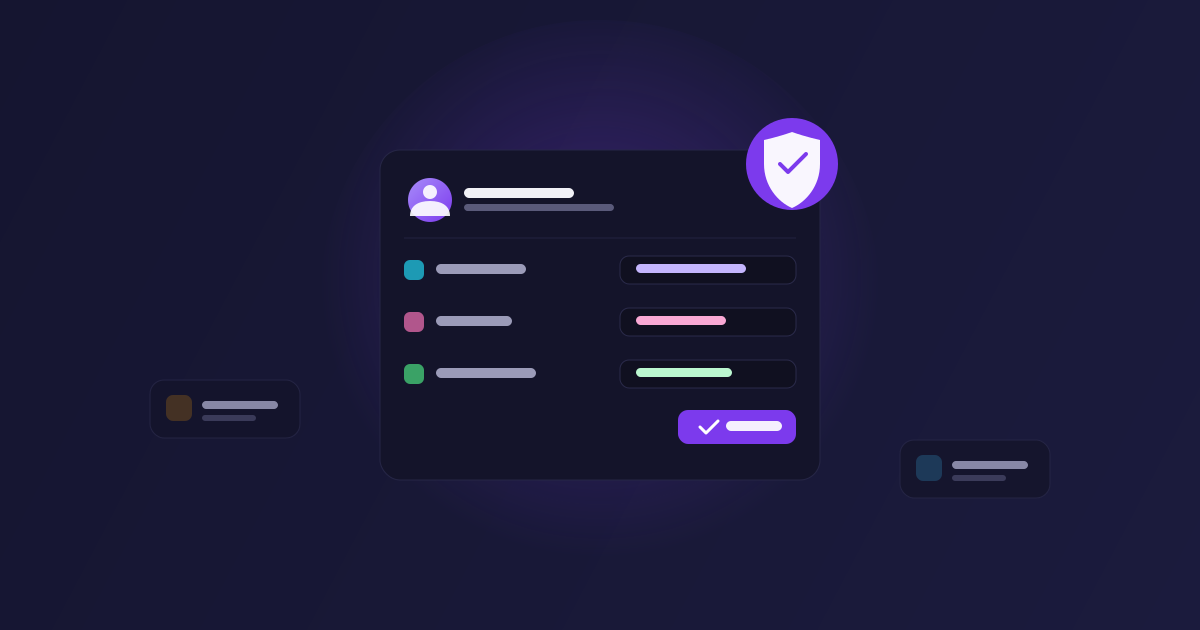
- Per-module permissions : the rights to create, update and delete are now distinct for each module (GDD, characters, quests, lore, maps…). A member could, for instance, edit lore entries without being able to delete any of them
- Custom group roles : beyond Manager, Editor and Viewer, create your own roles with exactly the rights your team needs, module by module
- Per-member overrides : need a one-off exception for someone, on a specific project? Adjust their rights individually, without touching the whole group’s role
Why these changes?
A small team doesn’t have the same needs as a twenty-person studio. With fixed roles, it was often all or nothing: full access or read only. We wanted permission management to adapt to your organization, not the other way around.
The goal has stayed the same from day one: let you focus on creating, not administrating.
Where to configure it?
The new permission management is available directly from your project page and from your group settings. Try it now on your existing projects.